retop
Desktop Only
Retop is a browser extension and is currently only available for desktop and laptop devices. Please visit this site on a larger screen to install it.
retop
VTOP without the fuss
A browser extension that sits on top of your VTOP with a stunning, fast dashboard. No new account, no setup. Made for students, by students.
BETA
for Chromium browsers
No more digging around
You know how annoying it is to click through five different menus just to find one thing on the original VTOP? We completely ditched that. Now, everything you care about is right there on one screen. And because your data is cached securely on your device, the dashboard loads instantly without a single loading spinner.
Attendance at a glance
On the left, we've got your attendance front and center. You get these clean little progress rings for each subject so you know exactly where you stand. Plus, we kept all the old quick links right there so you can still jump anywhere you need without the usual friction.
The whole semester, mapped out
The middle part is probably my favorite. We took the entire academic calendar and just baked it right into the dashboard. Holidays, exam weeks, random days off—it's all color-coded in this massive grid. You'll never have to hunt down that confusing university PDF ever again.
Your day, synced and ready
Over on the right is your action center. It permanently parks your CGPA, today's classes, and any upcoming assignments. The best part? It works flawlessly even when campus WiFi gives up. The cache refreshes quietly in the background on slow networks, ensuring you always have the latest data.
Built beautiful. Not patched beautiful.
Not a skin. Not a theme. Every page in VTOP was redesigned from the ground up consistent, coherent, and actually pleasant to use.
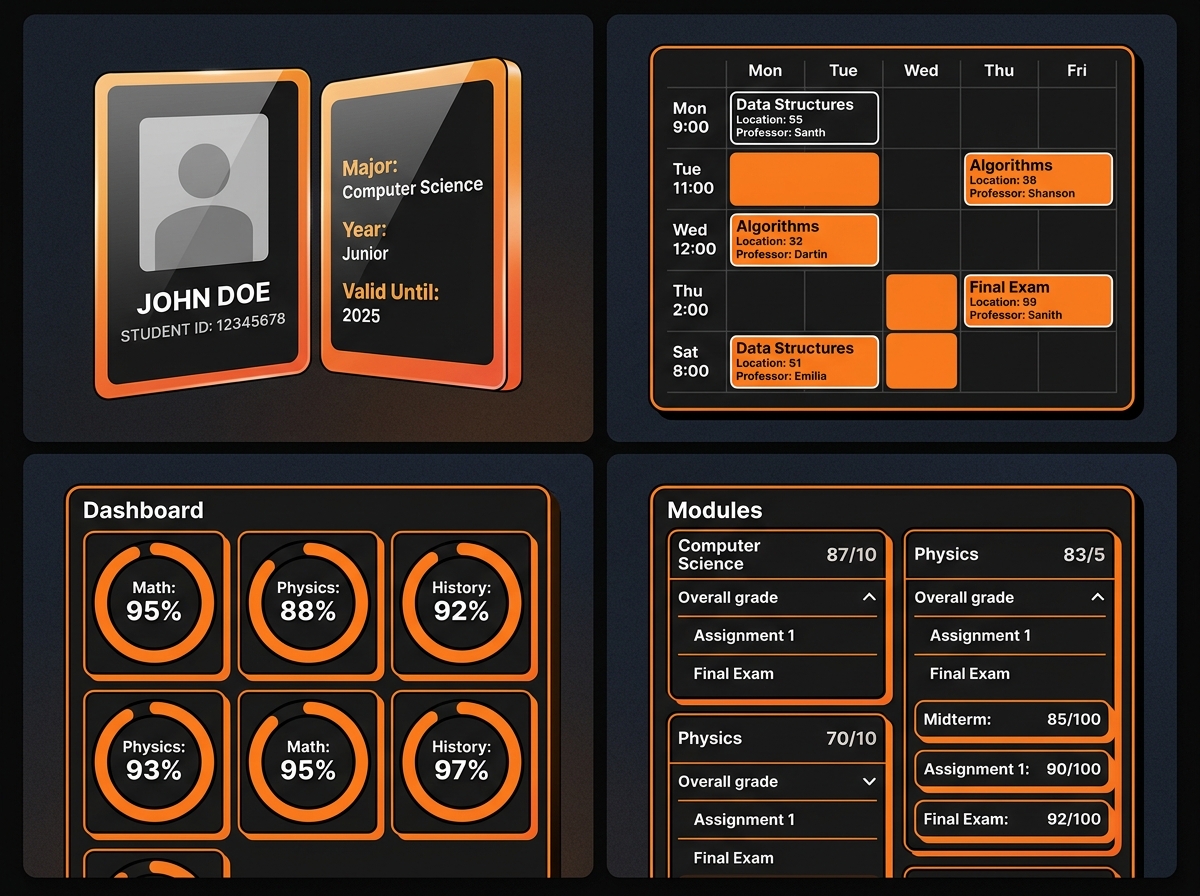
Make it yours.
11 accent presets. 3 theme modes. When you switch, the entire UI follows — every card, every border, every glow.
Appearance
One click back to legacy
We know change is hard. If you ever need to access the old VTOP for something we haven't ported yet, it's always just one click away right from the sidebar. No lock-in, just a better default.
November 2025
Your semester in Google Calendar. One click.
Full Google Sync
Connect your Google account once to export your full timetable. Holidays and day-order overrides are automatically handled without any manual cleanup.
Unified Scheduling
See your VTOP classes seamlessly alongside your personal events. Prefer Apple devices? It works flawlessly with Apple Calendar via our iCal export.
Press any key. Jump anywhere.
Press Spacebar from anywhere in the portal. The omnibox opens instantly a full-screen command palette over every module.
Lightning Fast
No mouse needed. No more hunting through complex sidebars. You can jump to any VTOP page instantly using just your keyboard.
University Spotlight
It feels just like macOS Spotlight or Raycast, completely tailored for your academic life.
Press Esc to dismiss
Made by a VIT student who got tired of VTOP.
Not a startup. Not a team of engineers with a pitch deck. Just someone who opened VTOP one too many times and decided to fix it. Open source the code is public, no hidden tracking.
“I genuinely forgot VTOP was ugly until I had to use it on someone else's laptop.”